MTD ITSA First Quarter Starter Kit
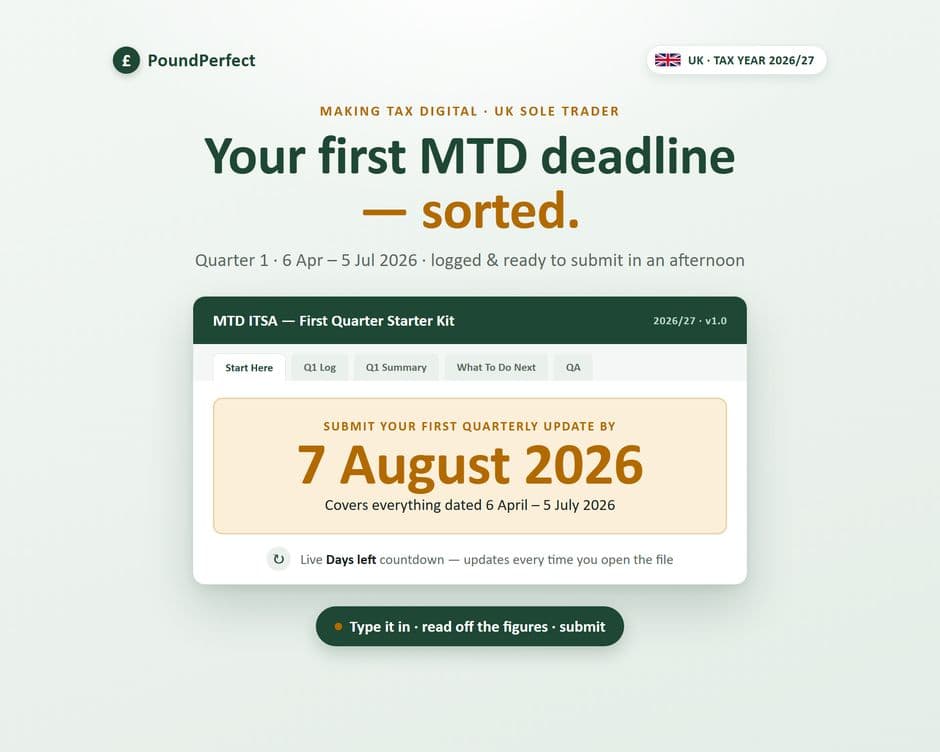
A small 5-tab kit to log your first MTD quarter and know exactly what to submit by the 7 August deadline.
- Excel (.xlsx)
- Google Sheets
Who it's for: UK sole traders below the £90,000 VAT threshold facing their first MTD quarterly update.
About this template
If your first Making Tax Digital quarterly update — covering 6 April to 5 July 2026 — is due by 7 August 2026 and you haven't started, this small Excel kit gets it done in an afternoon. It's deliberately narrow: no year-long system to learn, just one clean log for income and expenses, a summary of what to submit, and a plain-English guide to sending it to HMRC.
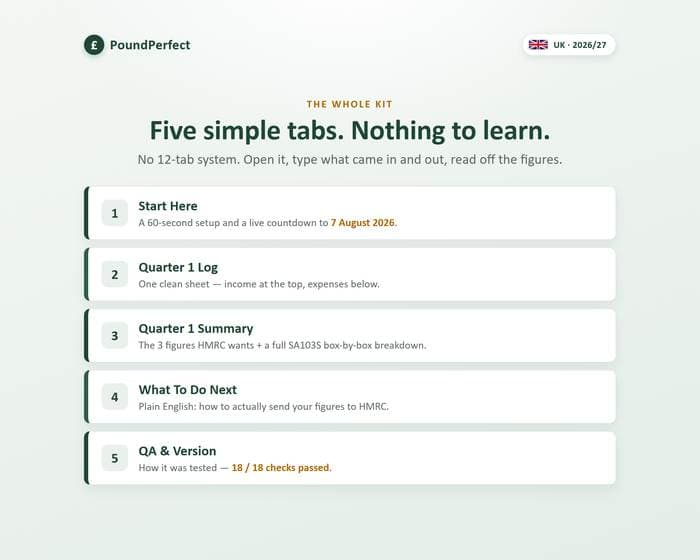
The five tabs include:
- Start Here, with a live countdown to 7 August 2026
- A Quarter 1 Log where each row is flagged with an 'In Quarter 1?' column so stray dates from March or July can't skew the numbers (refunds are entered as negatives, and a 'Disallowable' category keeps things like fines out of your tax figures)
- A Quarter 1 Summary showing the three headline figures HMRC's quarterly update wants, plus a full SA103S box breakdown
- A What To Do Next page explaining bridging software and HMRC's official software finder
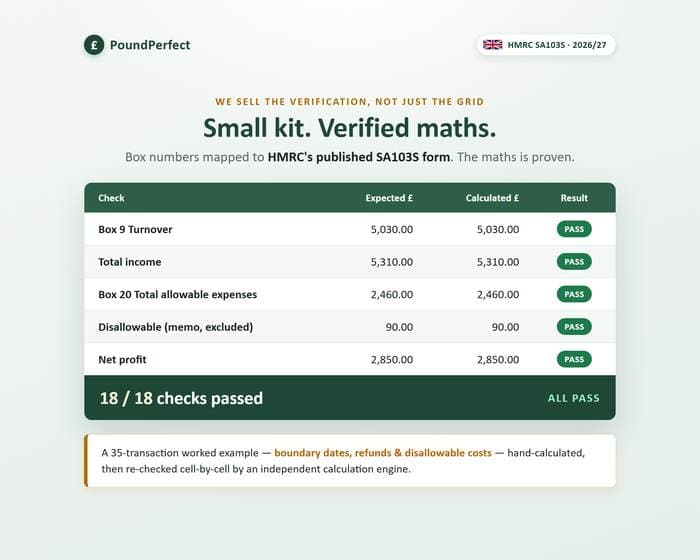
Every SA103S box is mapped against HMRC's published form, and the maths is checked against a 35-transaction worked example covering the tricky boundary dates, refunds and disallowable costs — hand-calculated, then independently re-checked. 18 of 18 QA checks pass, shown on the file's QA & Version tab.
This is a record-keeping tool, not tax advice and not HMRC-recognised filing software. When you're ready for the full year, the shop's full MTD ITSA Quarterly Tracker picks up where this leaves off.
What's inside
- Start Here page with a live countdown to 7 August 2026
- Quarter 1 Log with an 'In Quarter 1?' date-check column
- Quarter 1 Summary: three headline figures plus SA103S box breakdown
- What To Do Next guide to submitting via bridging software
- QA & Version tab (18/18 checks)
Ready to download?
Get it on Etsy — £9General information, not tax or financial advice. Always confirm your own position with HMRC or a qualified adviser. Created with AI assistance under the owner's direction; every formula is human-verified against a worked example, with a QA sheet included in the download.